
Using an IPTV Player on Android TV: Remote and Voice Search
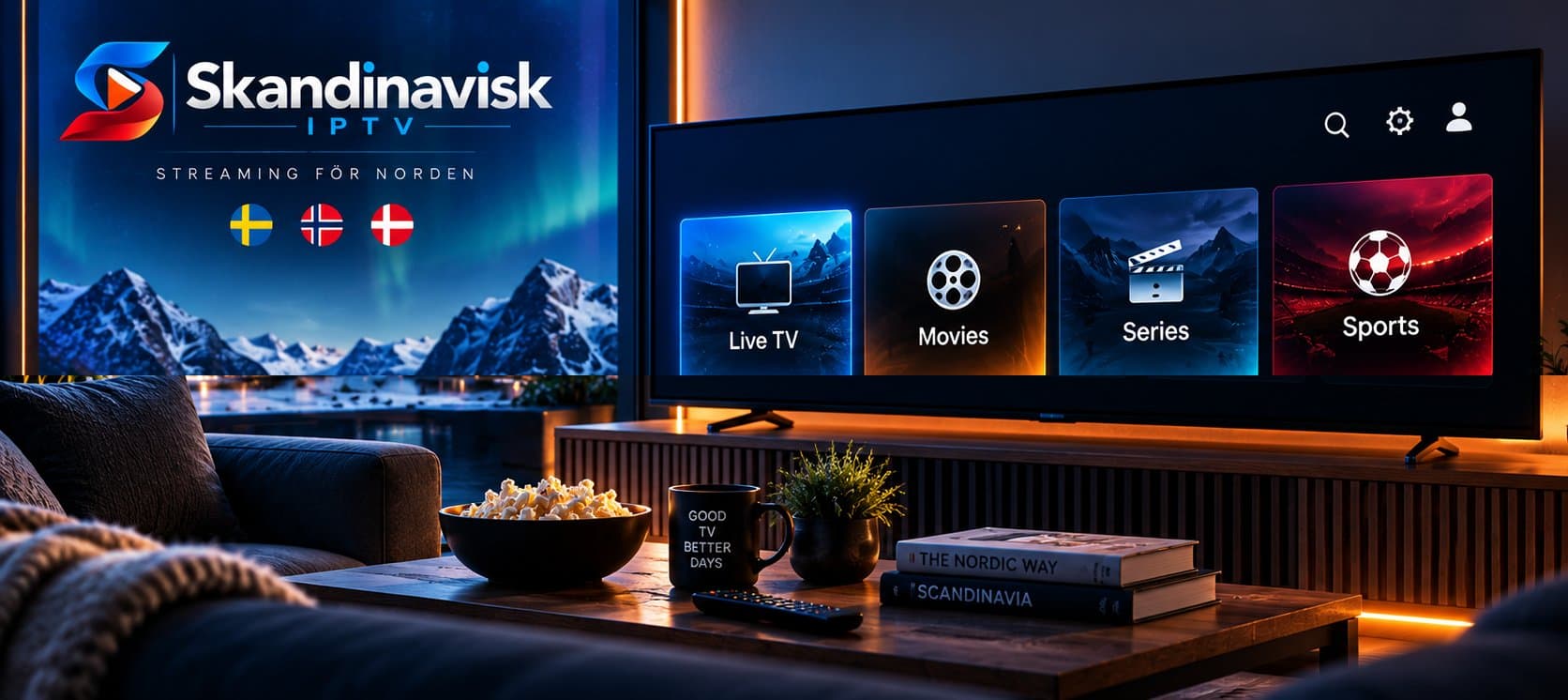
Android TV's interaction model
Unlike a phone, Android TV is designed around a remote control and, on many devices, voice input, rather than touch. A player app built specifically with this in mind tends to feel much more natural than one that's simply a phone interface stretched onto a bigger screen.
What good remote navigation looks like
Clear visual focus indicators, a sensible tab order between channels, categories, and EPG, and minimal nested menus all contribute to a smoother remote experience. If you find yourself repeatedly lost navigating basic sections, that's a real interface shortcoming worth weighing against the app.
Voice search, where supported
Some Android TV IPTV players integrate with the platform's voice search, letting you jump to a channel or search VOD content by speaking rather than navigating menus manually. This is a genuine convenience once a content library grows large, though not every app supports it equally well.
Testing realistically
Evaluate a player using your actual remote, in a normal living-room setting, rather than assuming a demo video or screenshot tells the full story. Real navigation friction often only becomes apparent once you're using it hands-on.
A good Android TV IPTV player respects the platform's own interaction model — remote navigation and, where relevant, voice search — rather than feeling like an afterthought port from mobile.
Vanliga frågor
No, this varies significantly between apps, so check specifically if voice search matters to you.
Different input methods — touch versus remote — mean an interface optimized for one doesn't automatically translate well to the other.
Use it directly with your actual remote in a realistic viewing session, rather than judging from a description or quick glance alone.
We can recommend apps known to work smoothly on Android TV with your subscription.
Se våra abonnemang